Online Booking for Nail Salons: A Practical Guide
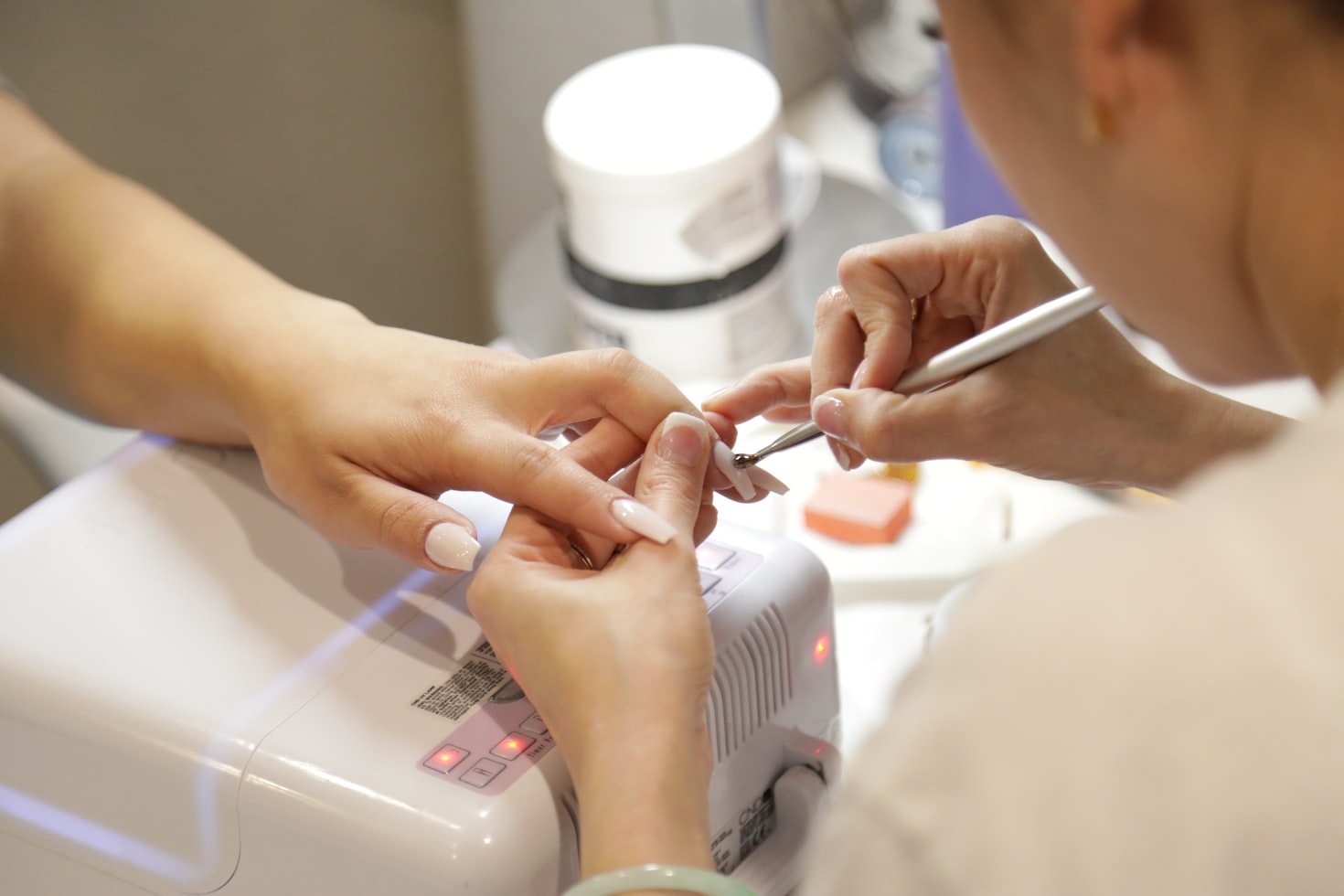
A nail salon's day is a chain of short, back-to-back appointments: a gel infill at ten, a new set of extensions at eleven, a pedicure after lunch. Most of these clients come back every two to four weeks, many of them book through Instagram, and a single no-show leaves a gap that is hard to fill at short notice. Online booking solves most of this, but only if it is set up the way a nail salon actually works. This guide shows how to do that, step by step.
1. Build a service list clients can't get wrong
The most common booking problem in nail salons is a client booking the wrong thing: a "manicure" when they need their old gel removed first, or an infill when the nails have grown out too far. Avoid it by naming services the way clients think and describing each one in a sentence:
- Manicure: classic, gel polish, and gel polish with removal of an old coating.
- Extensions: new set and infill, with a note on how many weeks an infill is still possible.
- Pedicure: classic and with gel polish.
- Add-ons: nail art, repair of a single nail, removal only.
Group them into categories so the booking page stays short, and show a price for each. Where the price depends on length or design, show it as a starting price so clients know what to expect.
2. Give every service its real duration
Nail services vary a lot in length, and guessing short creates a day that runs late from the first client. Time your technicians for a week and use the real figures. A gel polish might take 60 minutes, a new set of extensions two hours or more, a removal 15 minutes. If clients can combine services in one booking, for example removal plus a new gel manicure, the booking system should add the times together and only offer slots where the whole visit fits.
Also choose a sensible time step for start times. If most of your services last 60 or 90 minutes, starting every 30 minutes leaves fewer unbookable gaps than starting every 15.
3. Match services to the right technician
Not every technician does everything. Perhaps only one person does acrylic extensions, and a junior technician does manicures and pedicures. Set up each technician with their own working hours and the services they actually provide. A client booking extensions then only sees the times of someone who does extensions, and regular clients can choose their usual technician directly.
4. Make rebooking easy
Infills and gel manicures are repeat business. The easiest moment to book the next visit is at the end of the current one, so make it a habit to suggest a date three weeks ahead while the client is still in the chair. Clients who prefer to book later can do it from your booking link at any time, including late in the evening when nobody would answer the phone.
Make booking easier for your clients
Let clients book online 24/7, send automatic reminders and cut no-shows. Set up your booking page in minutes.
No credit card required
5. Protect your time from no-shows
A missed two-hour extensions appointment is a big loss for a small salon. Three tools work well together:
- Reminders by SMS or email the day before, with a link that lets clients cancel instead of simply not turning up. Our guide to reducing no-shows with reminders covers what to write.
- Deposits for long services such as new sets, paid online when booking. Keep quick services free to book so regulars aren't put off. See how to take deposits for appointments.
- A clear cancellation policy shown on the booking page, for example 24 hours' notice to move or cancel.
6. Put your booking link where clients find you
Many nail salon clients discover you through photos of your work. Add your booking link to your Instagram bio, your Facebook page and your Google business profile, and embed the booking form on your website if you have one. Every message that says "book here" instead of "send me a DM" saves you a conversation.
7. Check the numbers every month
Once bookings come in online, look at which services are booked most, which technicians are fully booked and which are not, and how many appointments are cancelled. This tells you whether to add hours for a busy technician, promote a quiet service or ask for deposits on a service with many no-shows.
How timedule fits a nail salon
timedule's booking software for nail salons covers each of the steps above: services with durations, prices and descriptions, technicians with their own hours and services, several services in one booking, SMS and email reminders with a cancellation link, deposits through PayPal or Square, and a booking link for Instagram and Google. You pay a flat monthly price per staff member, with no commission on bookings.
If you are just opening, read how to start a nail salon first. If you are ready to set up, our step-by-step guide to setting up online booking takes about an afternoon, and you can try timedule free for 14 days.
Online booking for your industry
Ready to dive in?
Start your free trial today.
Try our online booking software, and see how easy it is to manage your appointments.