Driving school booking system
Students book driving lessons online with their instructor. timedule gives every lesson a free car, so no car is ever booked twice, and tells the student its number before they arrive.
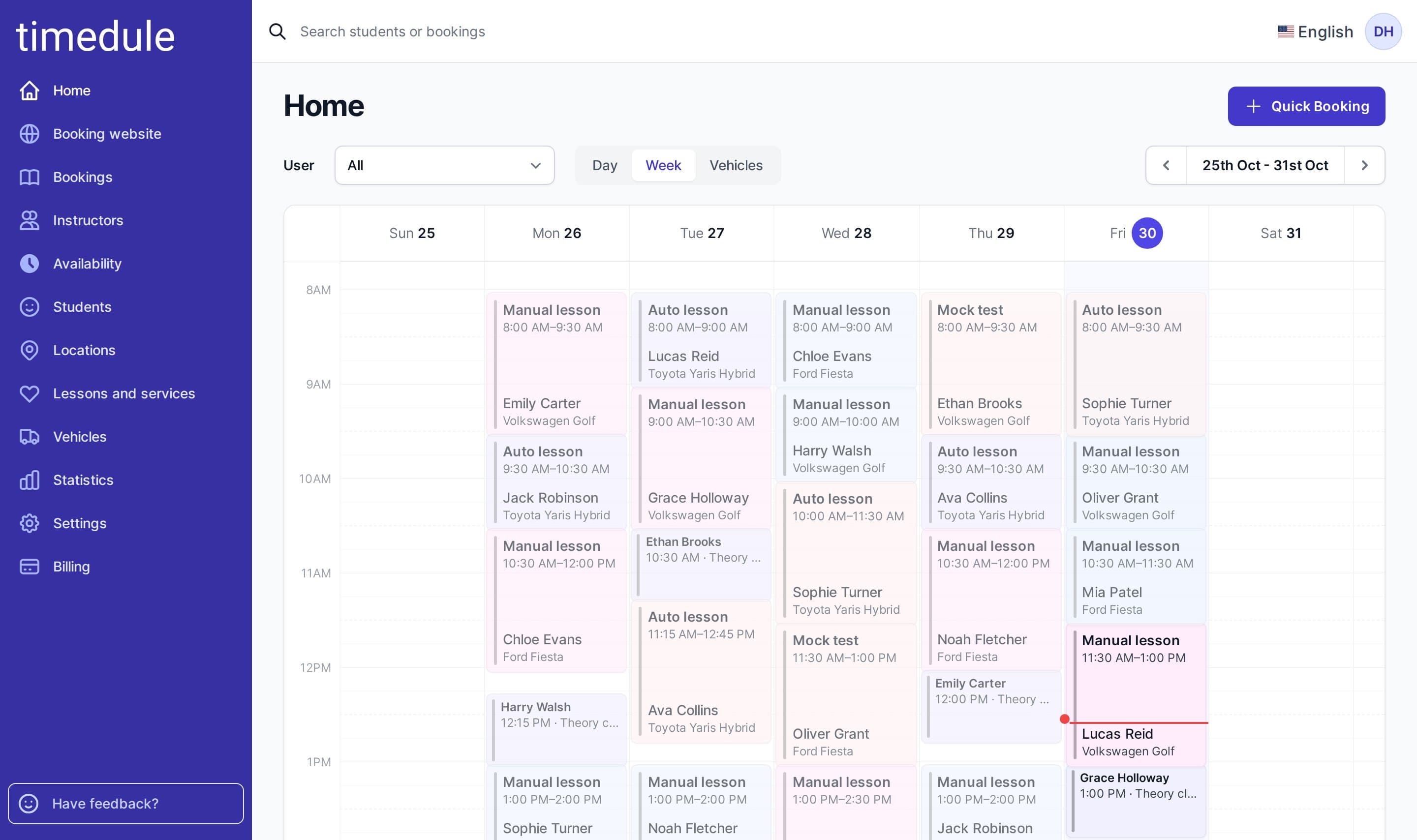
Built for driving schools
Books the lesson, the instructor and the car together
Driving schools juggle many students, several instructors and a fleet of cars, and lessons get moved all the time. In timedule’s online booking software, a student picks a lesson and an instructor, and only times when a suitable car is also free are offered.
Lesson types with fixed lengths
- Start from ready-made manual and automatic lessons and a theory class, then add double lessons, night driving, motorway practice or exam preparation, each with its own length and price.
Each instructor has their own calendar
- Instructors set their own working hours. Students choose their instructor and see only the times when the instructor and a car are both free.
Multiple branches
- If you teach in several towns, add each as a location and choose which instructors and cars are there. Students pick the place first.
Paid lessons and fewer no-shows
- Want payment in advance? Turn it on and take the full price or a deposit through PayPal, Stripe, Square or Dragonpay. Or leave it off and take cash at the lesson. Either way, automatic SMS reminders go out before every lesson.
Vehicles
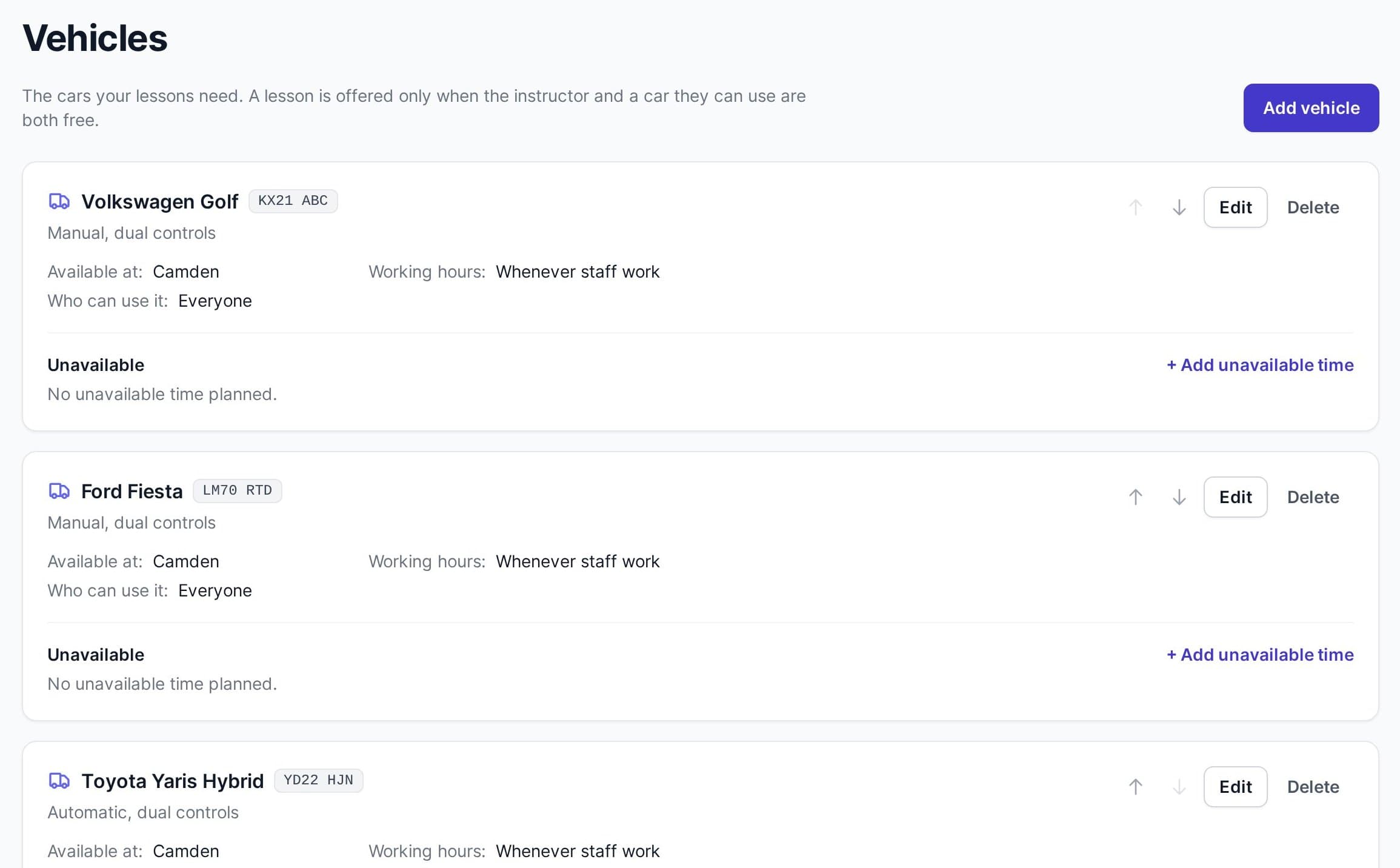
A car for every lesson, never two lessons in one car
Add your cars once. When a lesson is booked, online or by your staff, timedule gives it a car that the instructor drives and that is free for the whole lesson.
- Choose which instructors drive which car, for example only some teach in the automatic.
- Give a car its own hours, or mark it unavailable for servicing or an inspection so no lessons are booked in it.
- When you book a lesson yourself, leave the car on Automatic or pick a specific one.
Car numbers
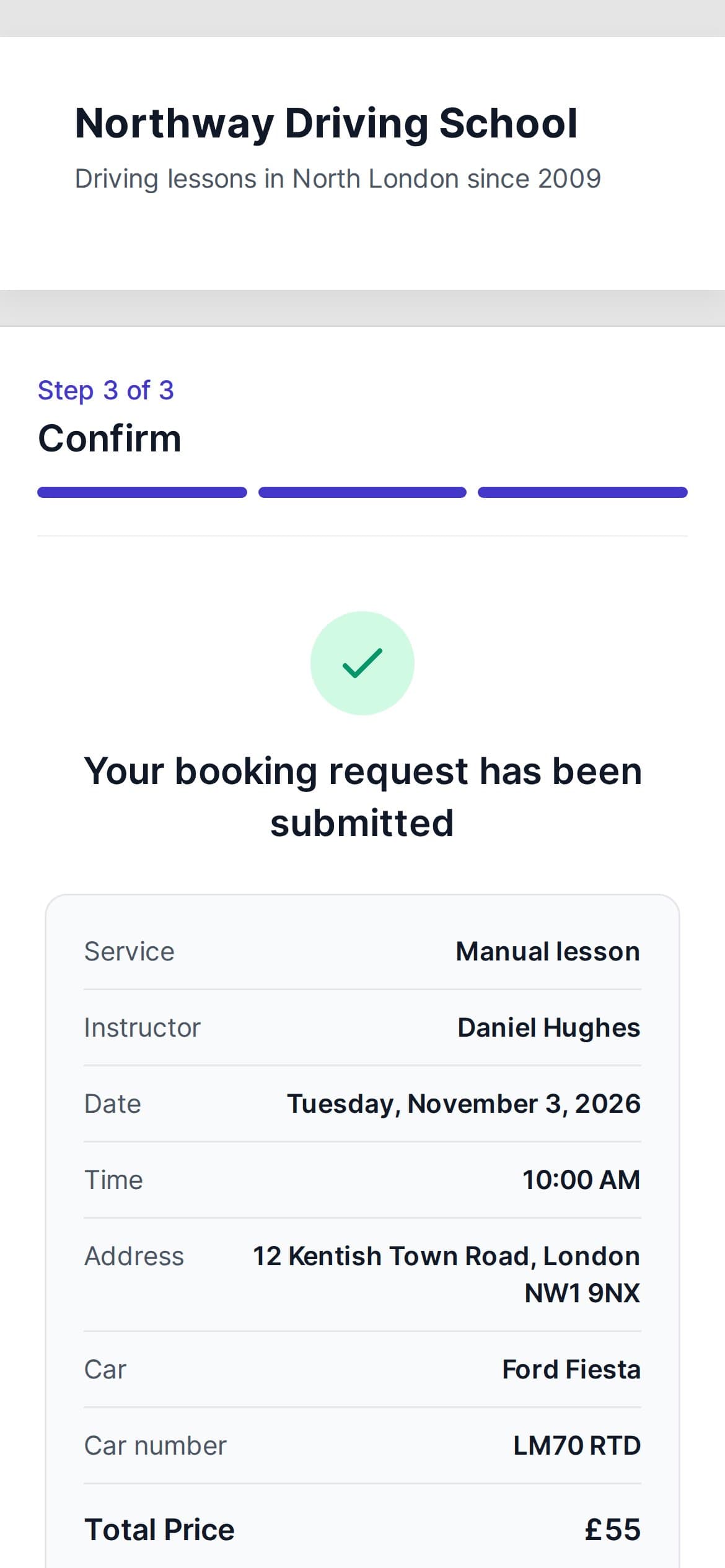
Students know which car to look for
Add each car’s number. Students see the car and its number as soon as they book, and your confirmations and reminders can include them too.
- The car and its number on the student’s booking confirmation
- Put the car and its number in your email and SMS reminders
- Changed a car’s number? Past lessons keep the car they were taken in.
Ready-made setup
Speaks driving school from day one
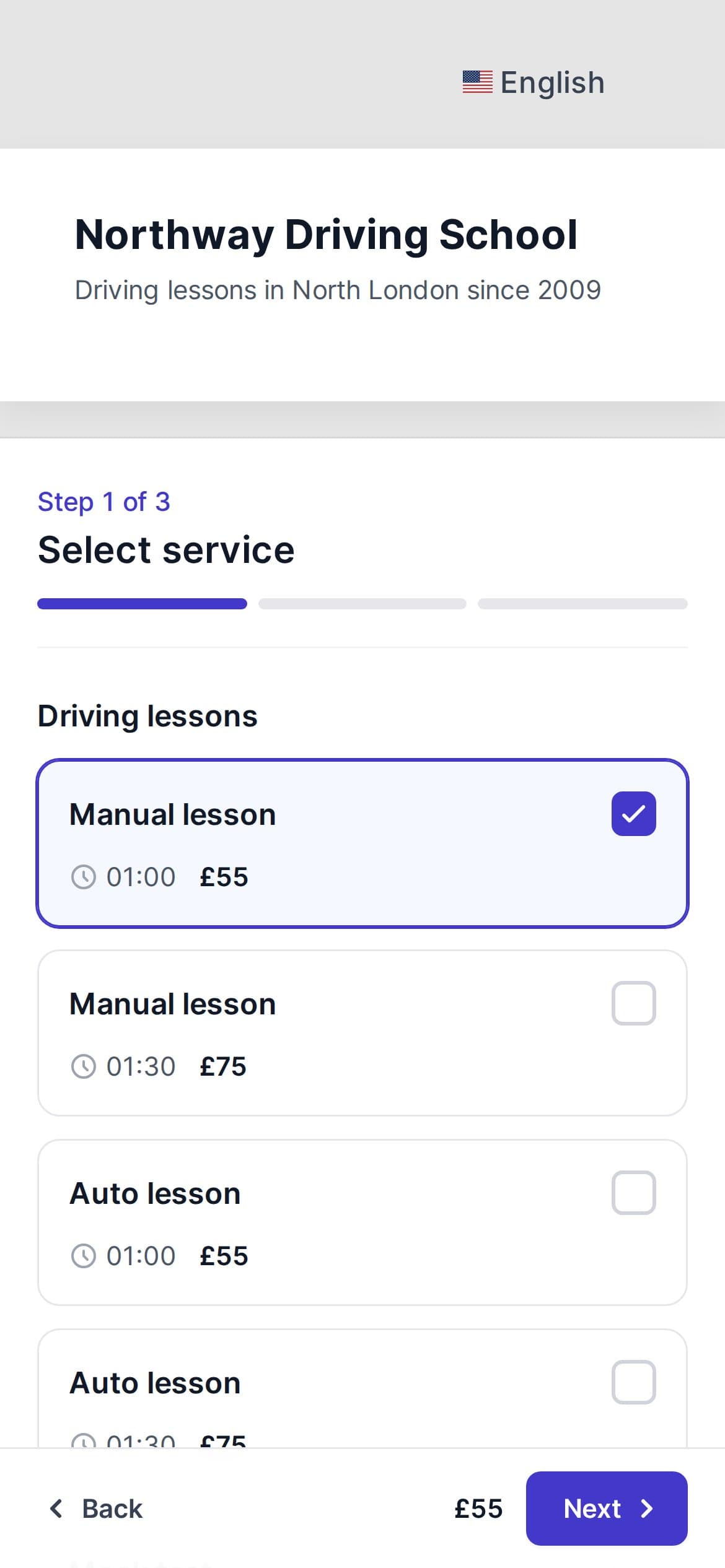
Sign up as a driving school and the dashboard talks about instructors, students and lessons. Example lessons and cars are ready, so your booking page works within minutes.
- Manual and automatic driving lessons, a theory class and two example cars, to rename or delete
- A short checklist on the home page: add your cars, add your instructors
- Already use timedule? Choose Driving school in Settings → Features. Your bookings, students and staff stay as they are.
How it works
Taking bookings in an afternoon
No installation and no setup fee. Your trial starts with everything a driving school needs.
- 1
Sign up as a driving school
Start your free trial from this page. Your account opens with driving school wording, example lessons and two example cars.
- 2
Add your cars and instructors
Rename the example cars and add their numbers, then add each instructor with their working hours and the cars they drive.
- 3
Share your booking link
Put your booking page on your website, Facebook or Google profile. Students book, pay if you like, and get reminders.
No credit card required
Everything else your school needs to take bookings
Our software has everything needed to help your customers buy your services while helping you run and scale your business further.
Online booking
- A flexible booking system saves time. Simply add a booking link, and everyone saves time - you and your customers.
Keep track of your bookings
- Now it's even easier to manage your reservations. Our booking software ensures you don't lose a happy customer.
Reminders
- A simple and reliable scheduling system ensures that all of your clients will show up.
Statistics
- timedule offers advanced analytics so you can learn more about your customers and your business.
Online payments
- Easily take online payments from your clients. Connect PayPal, Stripe, Square or Dragonpay and accept payments with just a few clicks.
Customization
- You can customize everything! You can start off with your booking's reminder text and go all the way up to how your booking page looks.
Give your instructors, students and cars one calendar
Pricing
Simple no-tricks pricing
Every plan includes every feature. You only choose how many staff members take bookings.
- Every feature in every plan
- No commission on bookings
- Start your free 14-day trial, no credit card necessary.
How many staff members take bookings?
Enterprise
For larger organisations
- SAML SSO
- Two-factor authentication
- SLA agreement
- And more — we’ll customise it for you
What timedule users say
Our product saves hundreds of hours for both large and small businesses.
Guides for your business
Booking software for similar businesses
Ready to dive in?
Start your free trial today.
Try our online booking software, and see how easy it is to manage your appointments.