The December rush: how to fill your calendar without endless phone calls
December is the busiest month of the year for a service business. Before the holidays everyone wants a haircut, a manicure, a massage, a dentist or their car sorted out — and everyone wants it in the same two weeks. That is exactly when you are with a client all day: your hands are busy, the phone buzzes in your pocket and the Instagram messages pile up unanswered.
In the evening you sit down and start calling people back. Some don't pick up, some have already booked somewhere else, and one writes again three days later. All that back and forth is unpaid work at the most expensive time of the year — and it takes exactly the energy you need most in December.
The good news: you can fill a December calendar without returning a single call. It takes five steps, and you can do all five in one afternoon.
timedule: in use since 2022. From €14/month, no commission. We move your clients over for free. Try it free for 14 days, no strings attached.
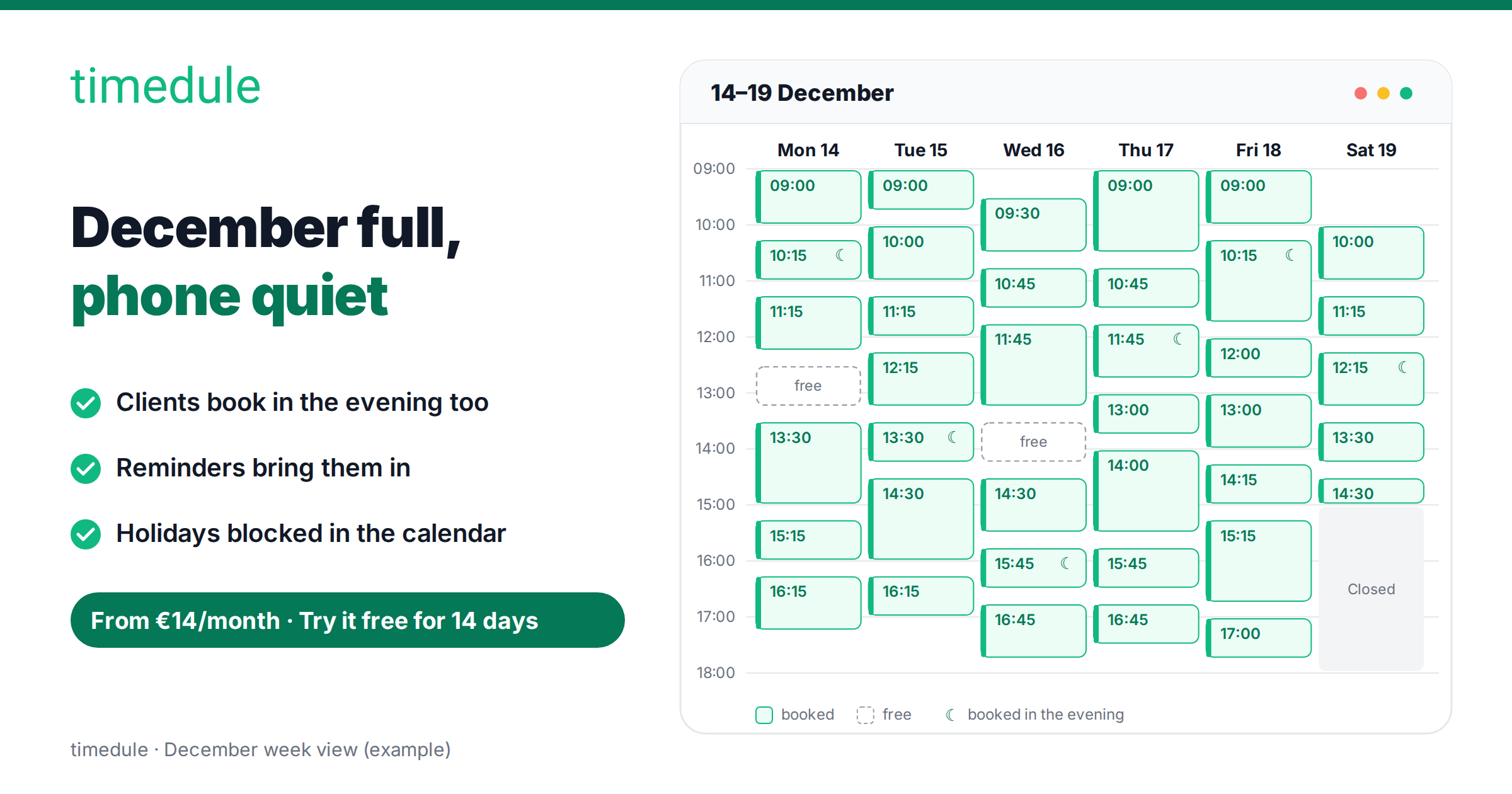
1. Open your December slots early
If the calendar is only open a week or two ahead, December holds only the clients who happen to call at the right moment. The rest hear "we're fully booked this week" and go where a free time is already on the screen.
In timedule it is one setting: Booking website → Booking rules → Maximum days in advance. Set it to at least 45 days before December, and in the middle of November people can already book up to the end of the year. If a week has to stay shut, close that week rather than the whole calendar.
Then say it out loud. One post, one story and one sentence to every client in your chair this week: "December is open for bookings." A regular who comes every six weeks books on the spot — and you don't have to chase them in December.
2. Let clients book themselves: online booking works when you can't
Every timedule account gets its own booking page. The client picks a service, a staff member and a free time, and confirms in a couple of minutes. You do nothing — in the morning the booking is simply in your calendar.
In timedule data, 44% of online bookings are made outside weekdays 8–18 or at the weekend (see when clients book). In December it is sharper still: holiday plans get made in the evening, once the children are in bed. If the only way to get a time is to call between 9 and 5, some of those bookings never happen at all. Booking software takes them for you while your phone is on silent.
Add your services with their real duration and real price. The calendar then offers only the times the whole job fits into, and the client sees for themselves how long their appointment takes. The two most common questions — "how long does it take?" and "how much is it?" — are answered before anyone asks them.
3. Put the booking link on Instagram, Facebook and Google Maps
A booking link only works where your clients actually look for you. In December that is three places:
- Instagram. Put the link in your profile and under every post about free times. Add a link sticker to your story so a time can be booked in two taps.
- Facebook page. Put the link behind the page button and in your first December post: "Pre-Christmas times are open, book here."
- Google Business Profile and Google Maps. People search "hairdresser near me" on Google and on the map. Add your booking link as the profile's booking link, and the booking button sits right on your map listing. While you are there, update your holiday opening hours so nobody drives to a closed door.
If you have a website, add a booking button there too. All four places lead to the same page, so your calendar always shows one true picture — wherever the client came from.
Make booking easier for your clients
Let clients book online 24/7, send automatic reminders and cut no-shows. Set up your booking page in minutes.
No credit card required
4. Cut no-shows with SMS reminders
In December a missed appointment is the most expensive one: you can't fill that gap any more, because everyone else is already booked in. And the earlier a client booked, the likelier they are to forget.
timedule sends a reminder by SMS or email the day before the appointment, and you write both texts yourself. The email reminder carries a cancel link, so a client whose plans change can release the time without calling you. That gives you two good things at once: fewer empty hours and fewer calls.
Read how reminders reduce no-shows, and work out what missed appointments cost you per month with the no-show calculator. Email reminders you can try right away; SMS reminders start going out once a subscription is active.
5. Block the holidays and keep a waiting list for cancellations
Before you open the calendar, mark the days you don't work. In timedule, add an all-day pause on those days, or simply leave the working hours out — then nobody books you for Christmas Eve. On a short day, put the pause on the part that is closed and the remaining hours stay bookable.
Cancellations will come in December — illness, children, work turning up out of nowhere. In timedule a cancelled time is free again on the booking page straight away, and the next client takes it themselves. You can speed that up with one story: "A slot opened up on Friday at 2pm, link in the profile." The gap fills in minutes instead of a round of phone calls.
And when someone asks for a time that is no longer in the calendar, write them down — in the client's notes or just in one list on your phone. When a time opens up, you send them the link. That short list is the most valuable piece of paper in the place in December.
Your checklist for this week
Cross off a line once the step is done:
- Maximum days in advance set to at least 45 days.
- Services with their real duration and price, staff working hours set for December.
- Holidays and days off closed with pauses, short days set correctly.
- Booking link in your Instagram profile, on your Facebook page, in your Google Business Profile and on your website.
- Holiday opening hours updated on your Google profile.
- Email and SMS reminders switched on, both texts read through.
- One post and one story: "December is open for bookings."
- A place to write down the clients waiting for a slot to open up.
Put a booking system to work for December
timedule does all five steps from one place: a booking page that takes appointments around the clock, a calendar that knows every staff member's hours, reminders that bring the client in, and pauses that keep the holidays yours. See everything timedule does, or pick your trade: beauty salons, massage, physiotherapy, car service and driving schools.
Set it up today, and December becomes the month you earn — not the month you spend on the phone. From €14/month, no commission, and we move your existing clients over for free.
Online booking for your industry
Ready to dive in?
Start your free trial today.
Try our online booking software, and see how easy it is to manage your appointments.